







🤾 Your Handball Team
Drag and drop players to create your ideal formation

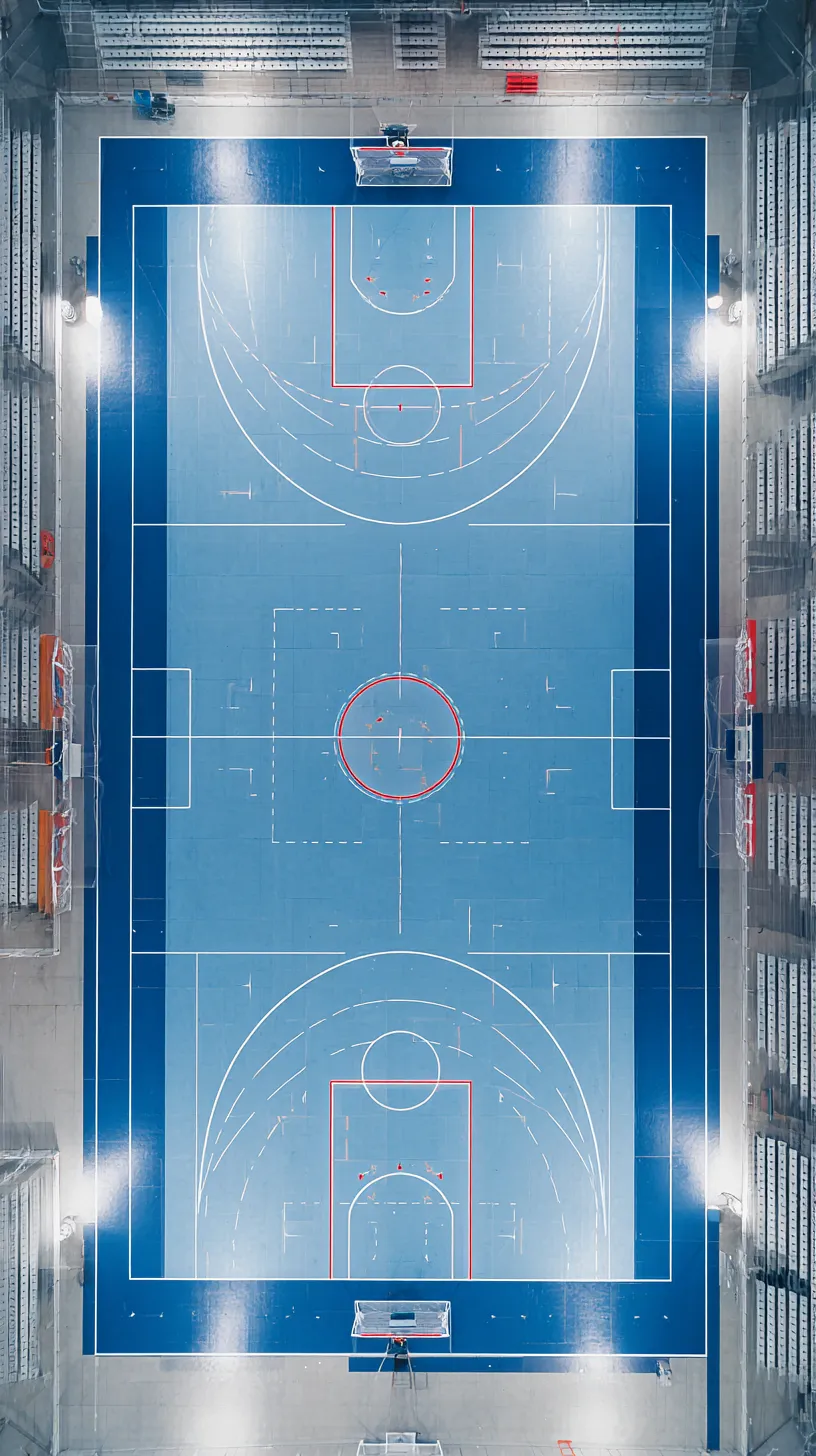
Build your ideal handball team
Use our free tool to create your dream handball team. Choose your 7 players, place them on the court and share your lineup with friends.
Handball positions
- 🥅Goalkeeper - The last line of defense who protects the goal and initiates fast breaks.
- 🏃Wings - Fast players on the sides, score from tight angles near the touchline.
- 💪Backs - Powerful players who shoot from distance and orchestrate the attack from the second line.
- 🎯Pivot (Line player) - Key player in the heart of the opponent's defense, creates spaces and receives passes.
Frequently asked questions about handball
How many players in a handball team?
7 players per team on the court: 1 goalkeeper and 6 field players. Each team also has up to 7 substitutes on the bench.
How long is a handball match?
A match lasts 2 halves of 30 minutes each, totaling 60 minutes of effective play, plus a 10-15 minute halftime break.
What are the main rules of handball?
Players can take 3 steps with the ball, hold it for a maximum of 3 seconds, and cannot enter the goalkeeper's 6-meter zone. Fouls result in free throws or penalties (7-meter throws).
Create Your Handball Team - Build Your Dream Seven
Create your ideal handball team with TeamBranch! Choose your goalkeeper, wings, backs and pivot to form the perfect starting seven.
Starting Seven
Build your ideal lineup
Players
World stars or local talents
Easy Sharing
Share with a unique link
Customization
Choose your positions
How to Create Your Handball Team?
With TeamBranch, creating your handball team is simple! Select your goalkeeper and compose your dream seven with your favorite players from around the world.
Why Create Your Team on TeamBranch?
Create your ideal handball team and share it with friends on social media. Express your passion for handball!
Create Your Handball Team for Free
TeamBranch is 100% free. Create your dream team in minutes!
TeamBranch - The fun way to create and share your dream organizations
Updated on · By the TeamBranch team